
Clothoff.net logo
Clothoff
Sign Up

Clothoff.net app for iOS, Clothoff.net app
Download Clothoff.net App for iOS

1.

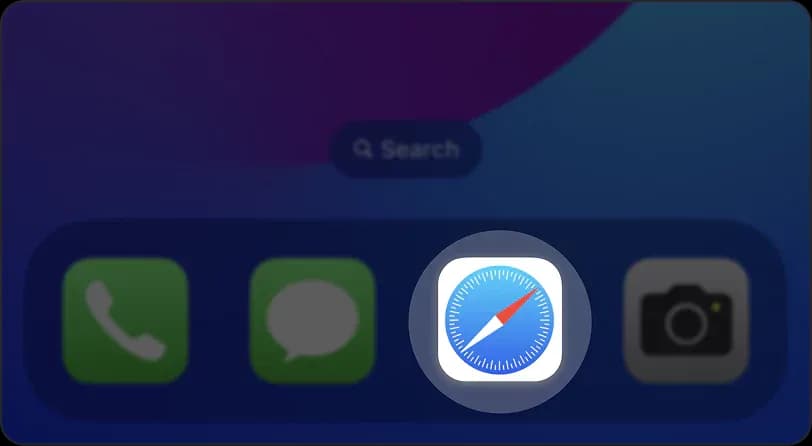
Open the Clothoff.net website in the Safari browser.
Download Clothoff.net App for iOS

2.

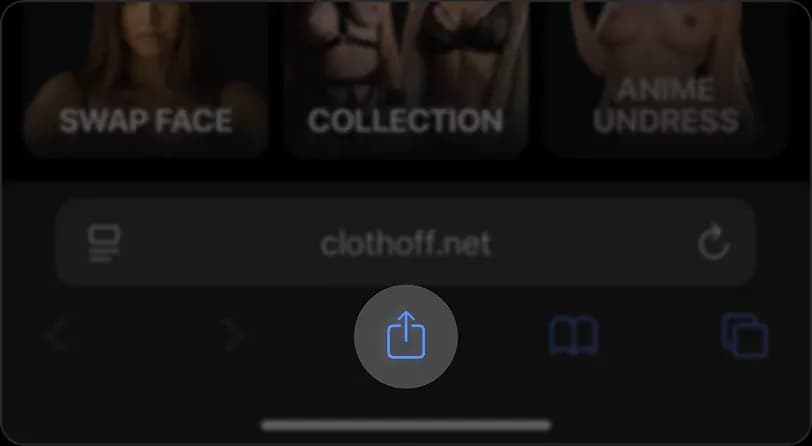
Tap on the "Share" icon (located at the bottom toolbar, represented by a rectangle with an upward-pointing arrow).
Download Clothoff.net App for iOS

3.

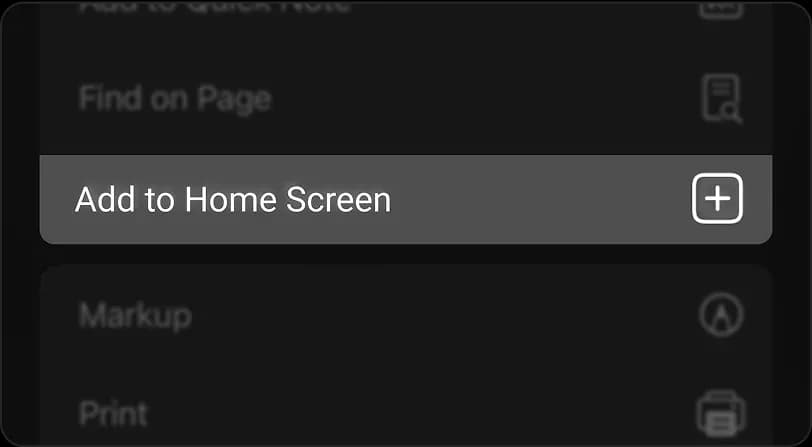
In the scrolling menu that appears, select "Add to Home Screen".
Download Clothoff.net App for iOS

4.

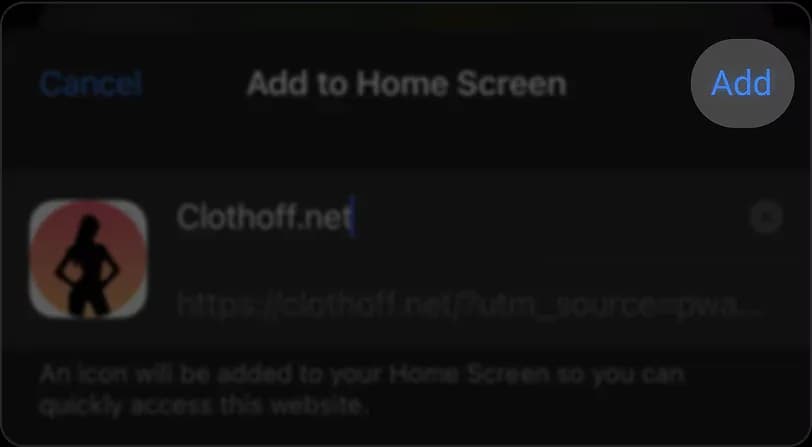
Enter a name for the shortcut and then tap "Add".
Download Clothoff.net App for iOS

5.

Once added, the Clothoff.net website will operate as a web app on your home screen, offering a seamless, full-screen experience without the browser`s address bar.

support@clothoff.net
cooperation@clothoff.net

We do not save any data. We do not take any responsibility for images created using the website. Processing of minors is impossible. Even attemps of such processings will lead to ban of account.

W3 Carlos Calvo 615, C1102AAM Buenos Aires, Argentina

FeedMake Money TogetherAbout UsOur missionBecome DealerRefund & Cancellation PolicyFor Media and PressBlogTry our APIPrivacy PolicyCustomer Support PolicyTerms of ServiceAcceptable Use PolicyTelegram botGet APP on AndroidGet APP on Apple IOSFAQ

Support

Contact Us
Undress AIDeepNude AINudify AIMuke AINude AIAI Clothes RemoverDeepsukebe AIFace Swap AIFace Swap Video AIFace Swap Porn AI

The Clothoff.net service does not incite, aid, or abet users in committing illegal actions aimed at unlawful manipulation and dissemination of nude images of people without their explicit consent to such actions.

We are working with Asulabel and donating funds to support those affected by AI. If you have experienced problems related to AI, please visit asulabel.com or contact them at team@asulabel.com.